How do I cancel my Pro Membership?
You can cancel your Pro Membership at any time, in the app or on the web. It takes a few seconds. Your membership stays active until the end of the current billing period, and you keep all Pro benefits until then. No charges are made after that.
Cancel in the app
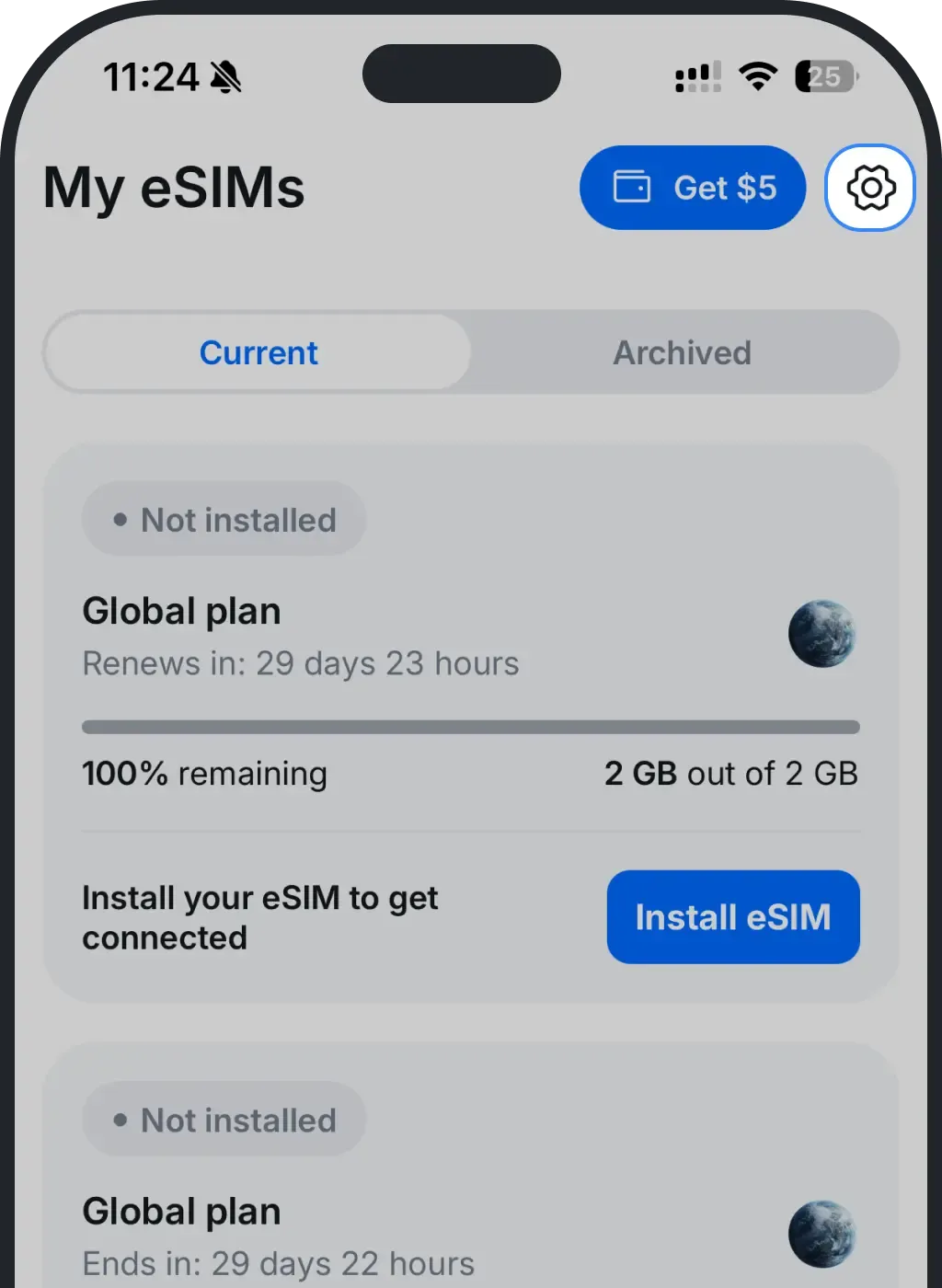
Open Settings (the gear icon, top right).
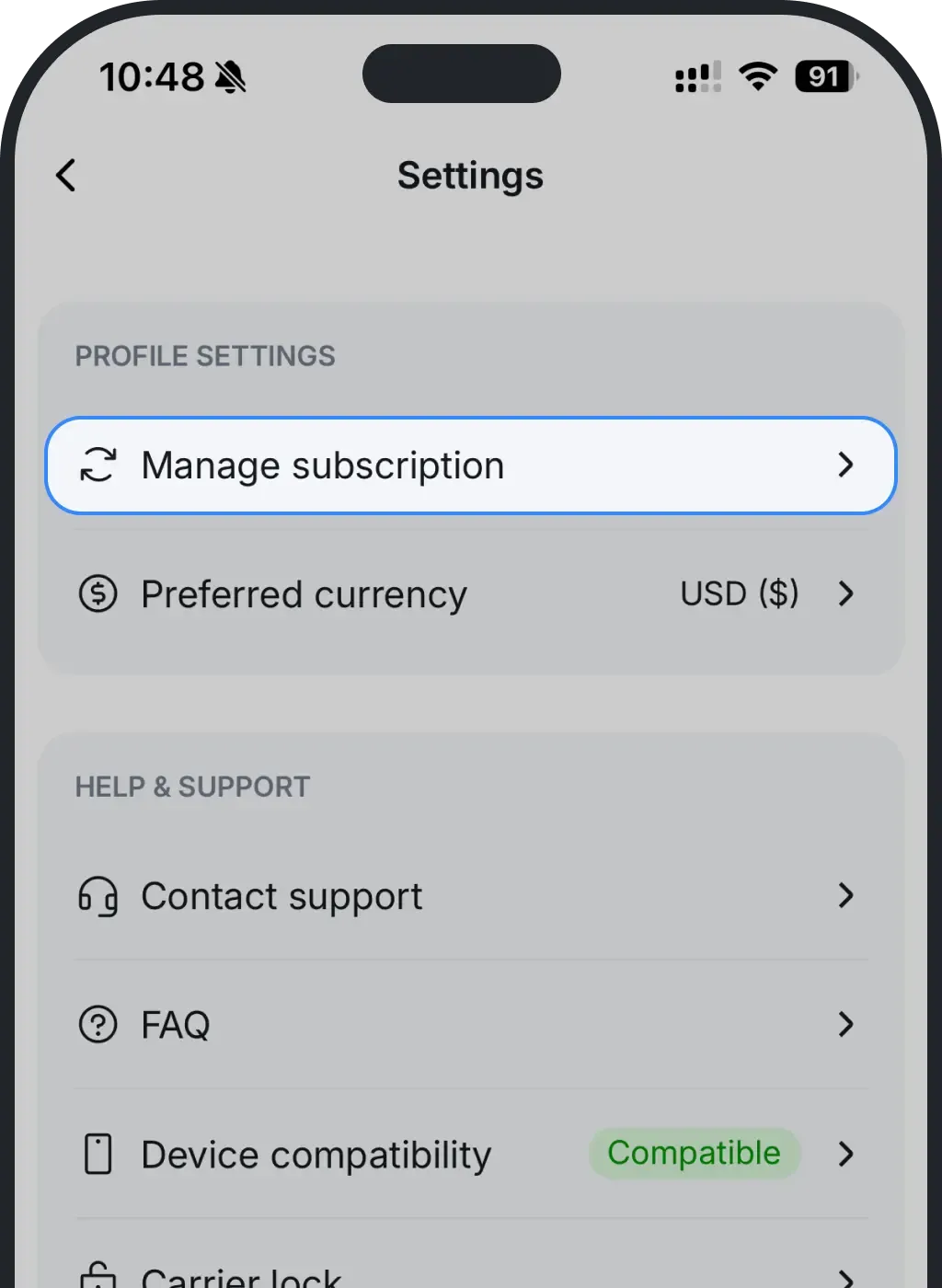
Tap Manage subscription.
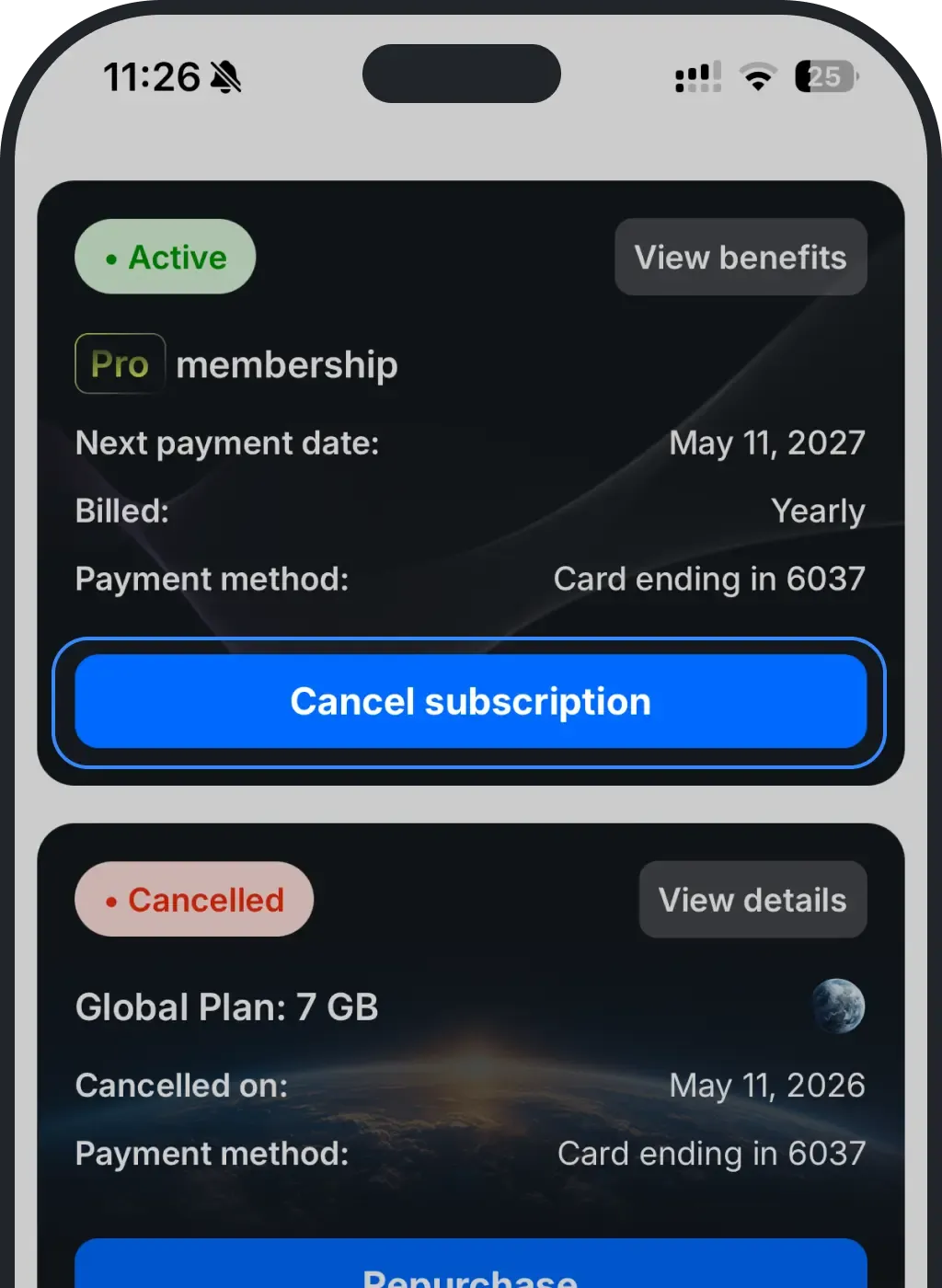
On your Pro Membership, tap Cancel subscription.
Tap Confirm.
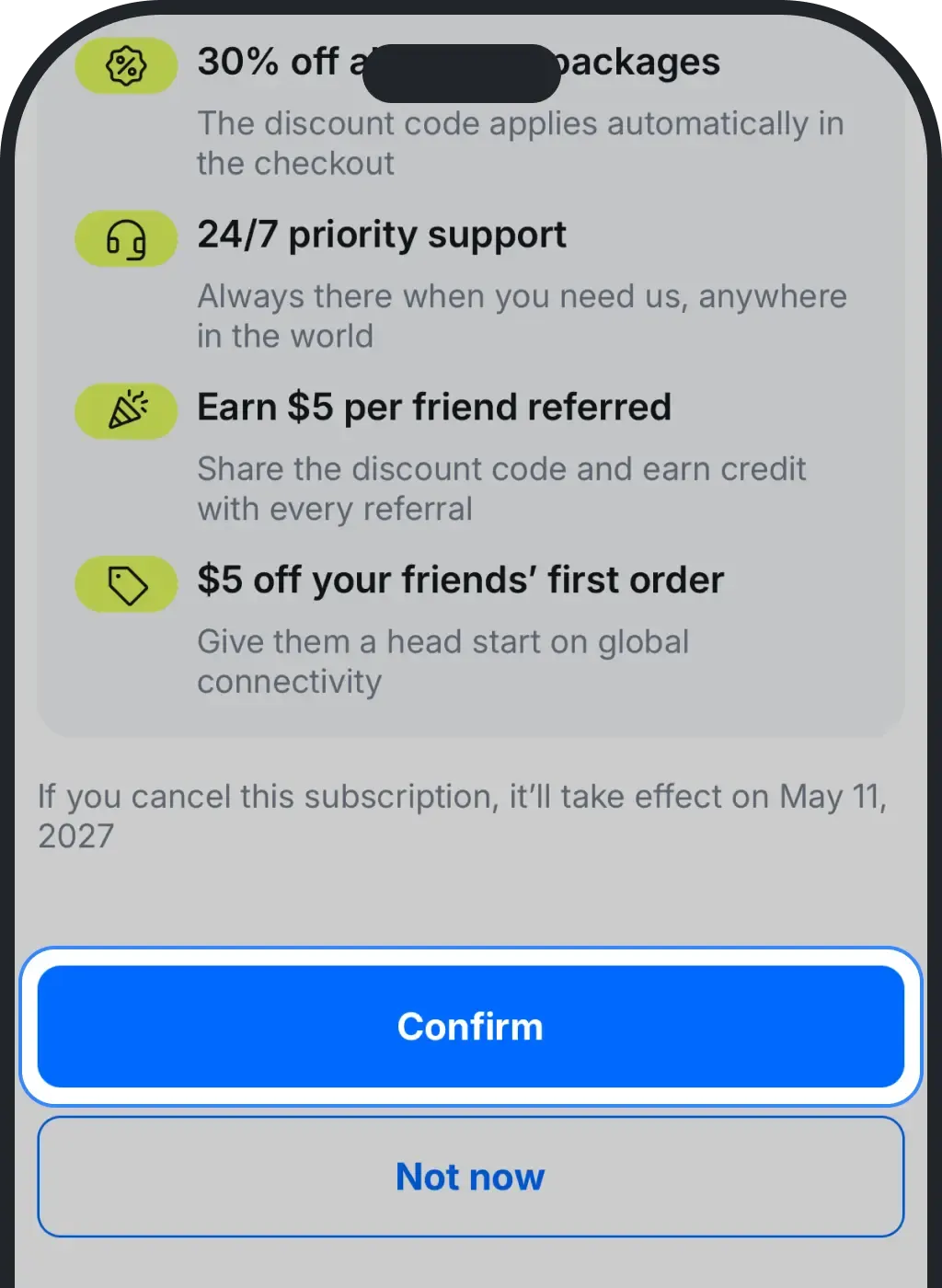
That's it. Your Pro Membership stays active until your next renewal date, and you keep every Pro benefit until then.
Cancel on the web
It's the same flow on ohayu.com: Profile → Manage subscription → Cancel subscription, then confirm.
Was this article helpful?
Your feedback helps us improve our FAQ