How do I earn Ohayu Credits?
You earn Ohayu Credits through the app's referral program. Referral credits are added to your balance after your friend's first payment settles.
Earn credits with referrals.
When a friend uses your referral code on their first order, and the payment settles, you receive $3 in Ohayu Credits (or $5 if you have a Pro Membership), and they get $3 off that order (or $5 if you have a Pro Membership). To get your referral code, open the Ohayu app and go to Profile or the credits screen, then tap Share code.
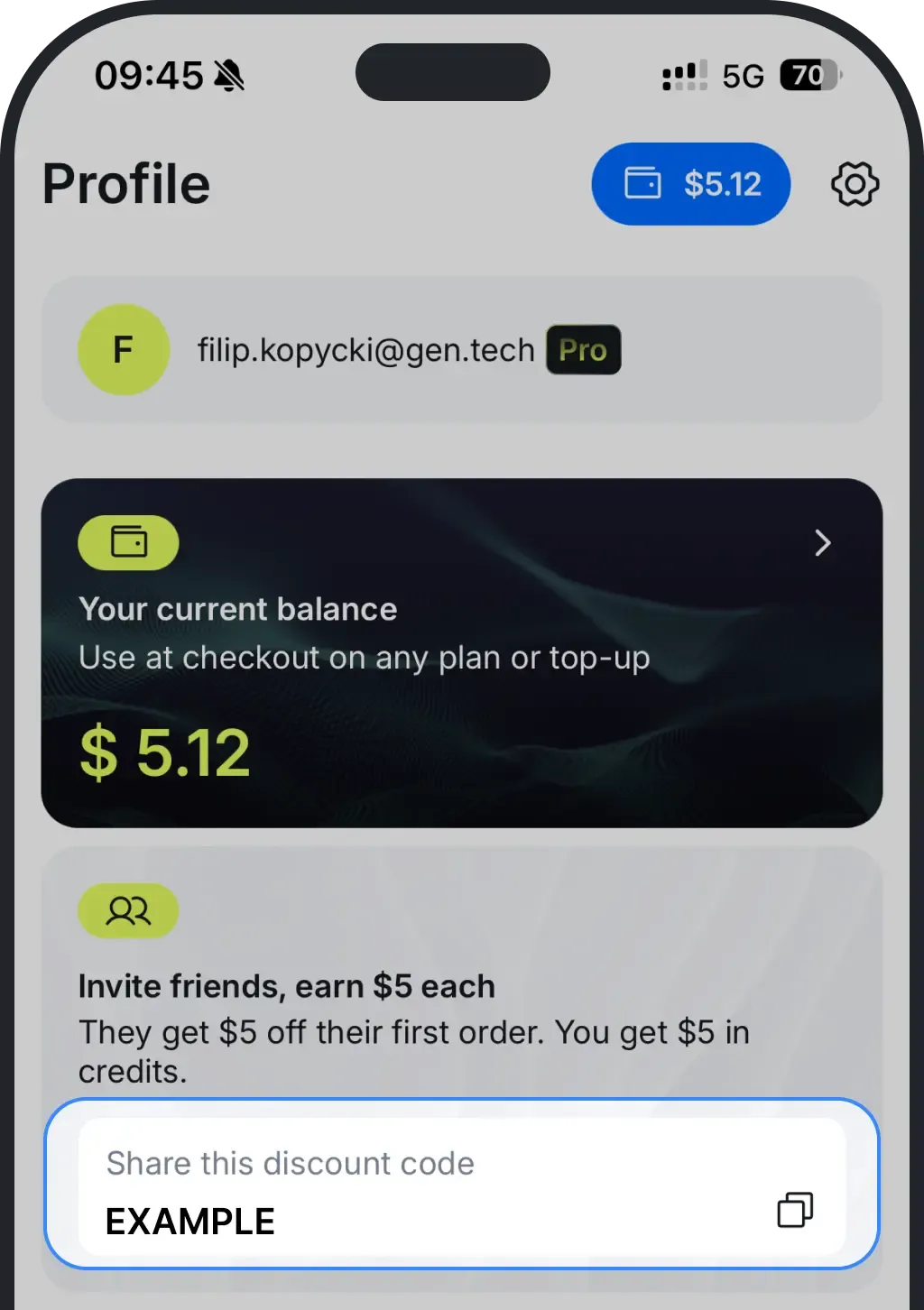
The bonus is added once per friend, on their first order.
Other ways to earn credits
You also get 5% back in credits on most purchases. It lands on your balance automatically once your payment goes through. You earn it on country plans, top-ups, Unlimited plans for a country, Unlimited extensions, guidebooks, and the first payment on a global plan or Pro Membership. Renewals and automatic top-ups do not earn cashback. We plan to roll out top-up bonuses and similar credit offers in the future, and the app will show all terms before you buy.
When credits show up in your balance
Credits are added once the related order settles. Most card payments settle within minutes, but some methods take longer. Credits appear after full payment confirmation.
If credits do not show after 24 hours, contact support at support@ohayu.com.
How to check your credits
To check your current credits, simply look in the top-right corner of the Ohayu app.
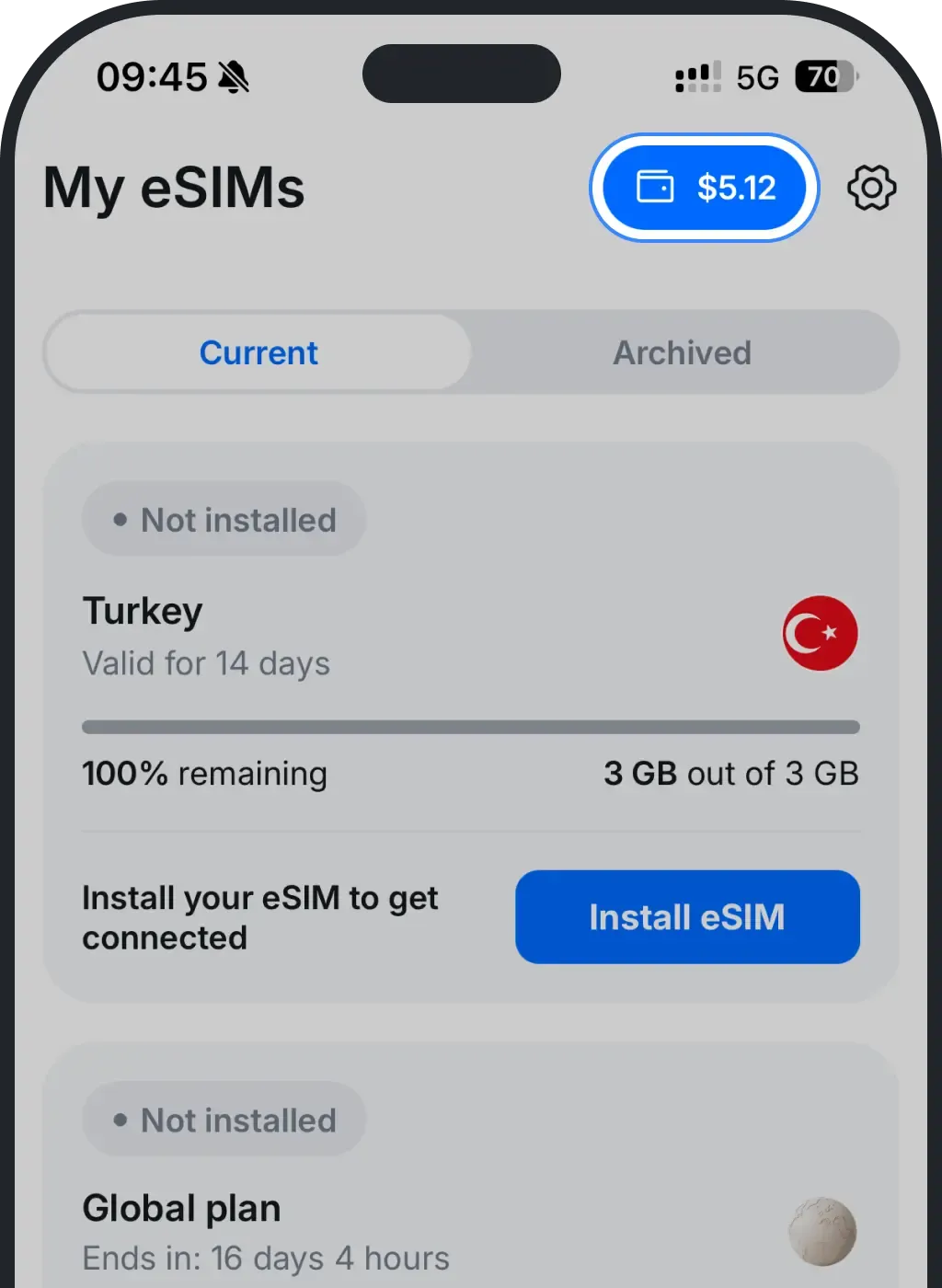
After credits are added, you can use them on eligible orders. See the spending rules before checkout if you are not sure what is eligible.
Was this article helpful?
Your feedback helps us improve our FAQ