What are Ohayu Credits?
Ohayu Credits are the balance in your account for eligible eSIM orders. Your balance increases when you earn credits and decreases when you use them at checkout.
For earning rules, see earning options. For checkout rules, see where credits can be spent.
How Ohayu Credits work
- 1 Ohayu Credit is worth $1 USD.
- Your balance is kept in USD, but the app can display it in your chosen currency using the current exchange rate.
- At checkout, credits reduce the amount you need to pay. They can cover part or all of an eligible order.
- If your credits don't cover the full price, you pay the remaining amount with a card or another accepted payment method.
- If your balance covers the full eligible price, you pay nothing and complete the order in one tap.
- Your balance does not expire while your account is active.
- Credits cannot be paid out to a card or bank account.
Refunds and credit balances
If you paid for an order with both credits and a card and you are eligible for a refund, the refund follows the original payment split:
- The card-paid amount returns to the same card.
- The credit-paid amount returns to your Ohayu Credits balance.
For the full refund rules, see the Refund Policy.
If a limited campaign sets different expiry or use rules, the app clearly shows those terms before you accept the offer. All special terms and conditions related to credits or campaigns are always displayed in the app, so you never miss important details.
Where to see your balance
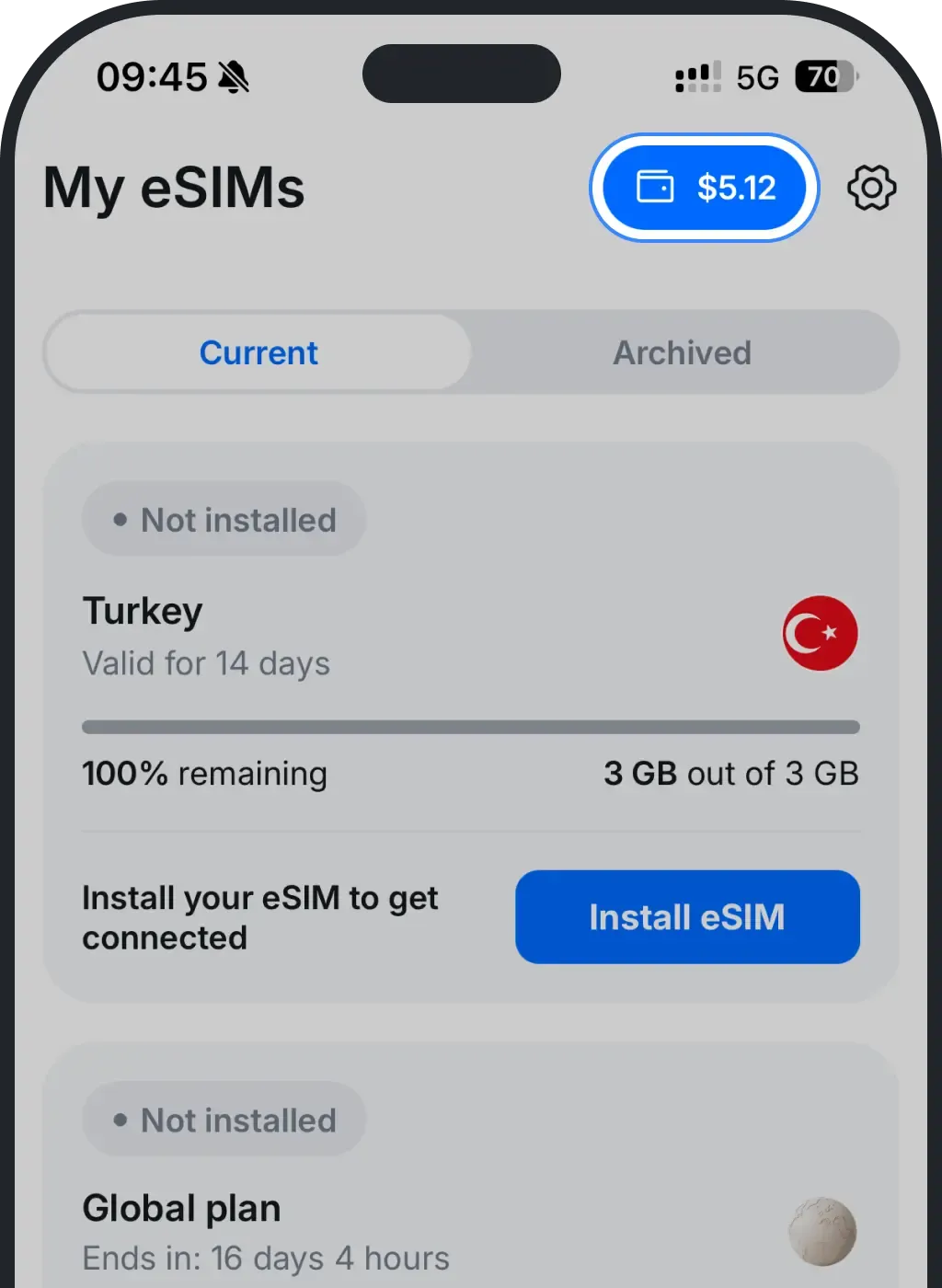
The easiest way to see your balance is in the top-right corner of the Ohayu app. You can also tap the Profile tab to see your balance on the credits card.
How to get Ohayu Credits
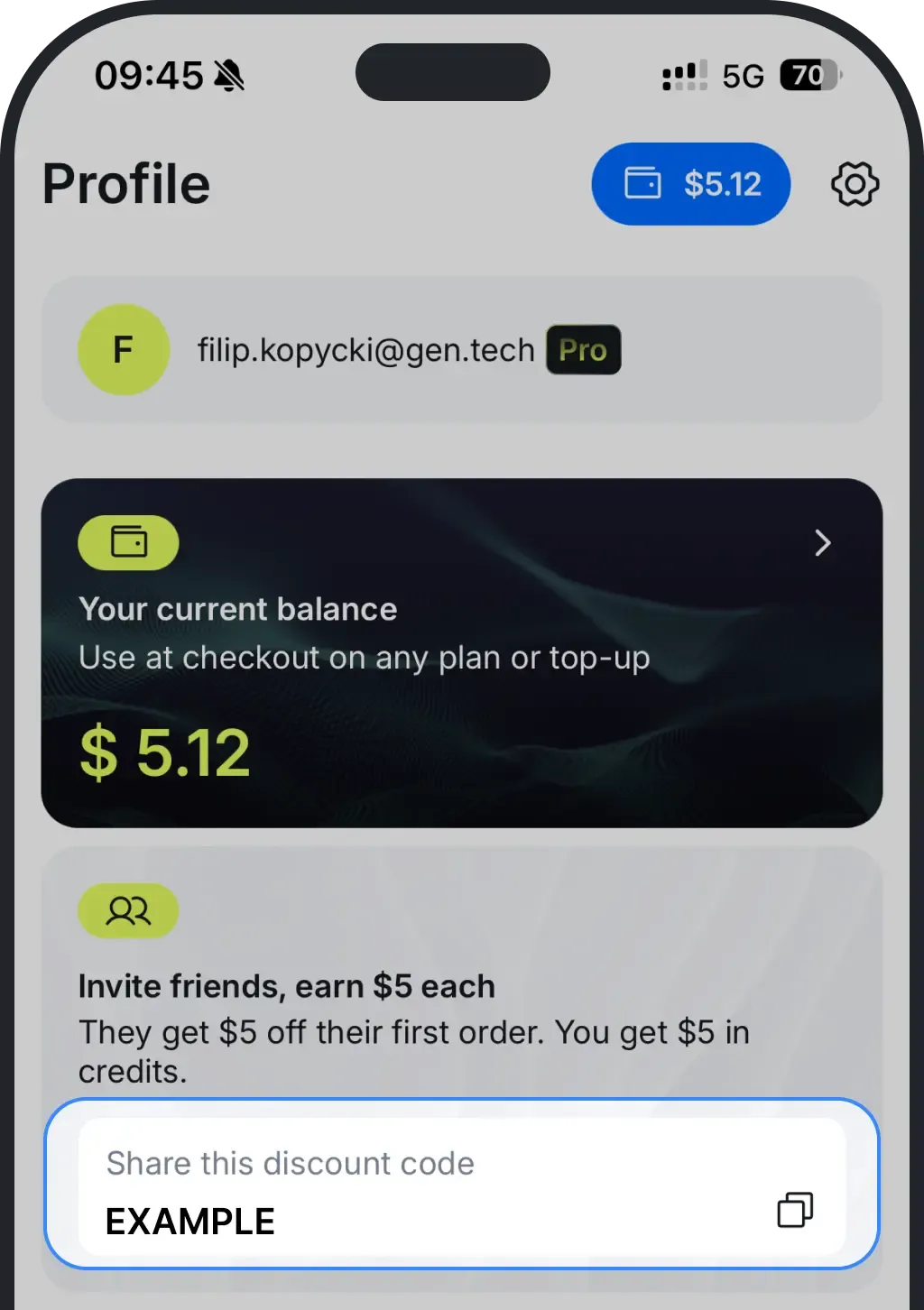
You can earn credits through the referral program. When a friend uses your referral code on their first order, and the payment settles, the referral bonus is added to your balance. To get your referral code, open the Ohayu app and navigate to Profile. Then you can copy and share your discount code.
You get 5% back in credits on most purchases, added to your balance automatically once your payment goes through. We plan to roll out top-up bonuses and similar credit offers in the future. When such offers become active, the app will clearly display the rules, eligibility, reward amounts, and timing before you accept.
Where to spend Ohayu Credits
You can pay with credits at checkout for:
- A one-time country plan.
- An Unlimited plan for a country.
- A manual top-up of an existing eSIM.
Credits do not pay for subscriptions or automatic top-ups. Global plans and Pro Membership are subscriptions, so credits do not cover them. Automatic top-up charges use the saved payment method on your account.
Was this article helpful?
Your feedback helps us improve our FAQ