How do I delete the eSIM from my device?
If you’ve finished your trip or no longer need a specific plan, you can easily remove your eSIM from your phone’s settings. The process takes less than a minute.
On a Global plan, cancel before you delete. Removing the eSIM from your phone does not stop the monthly payment. Open Settings (the gear icon, top right), tap Manage subscription, then tap Cancel subscription.
iOS (iPhone)
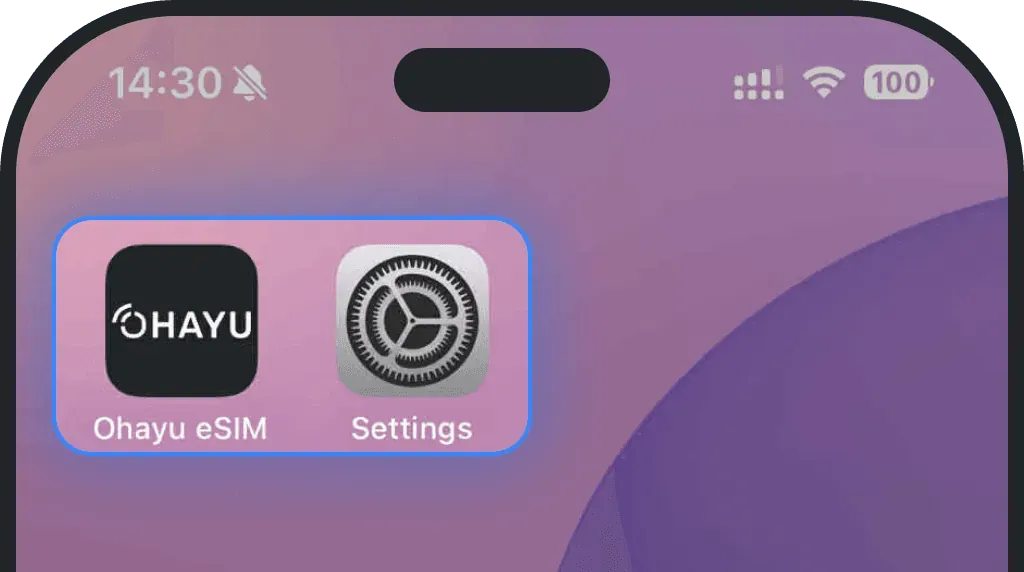
Go to Settings
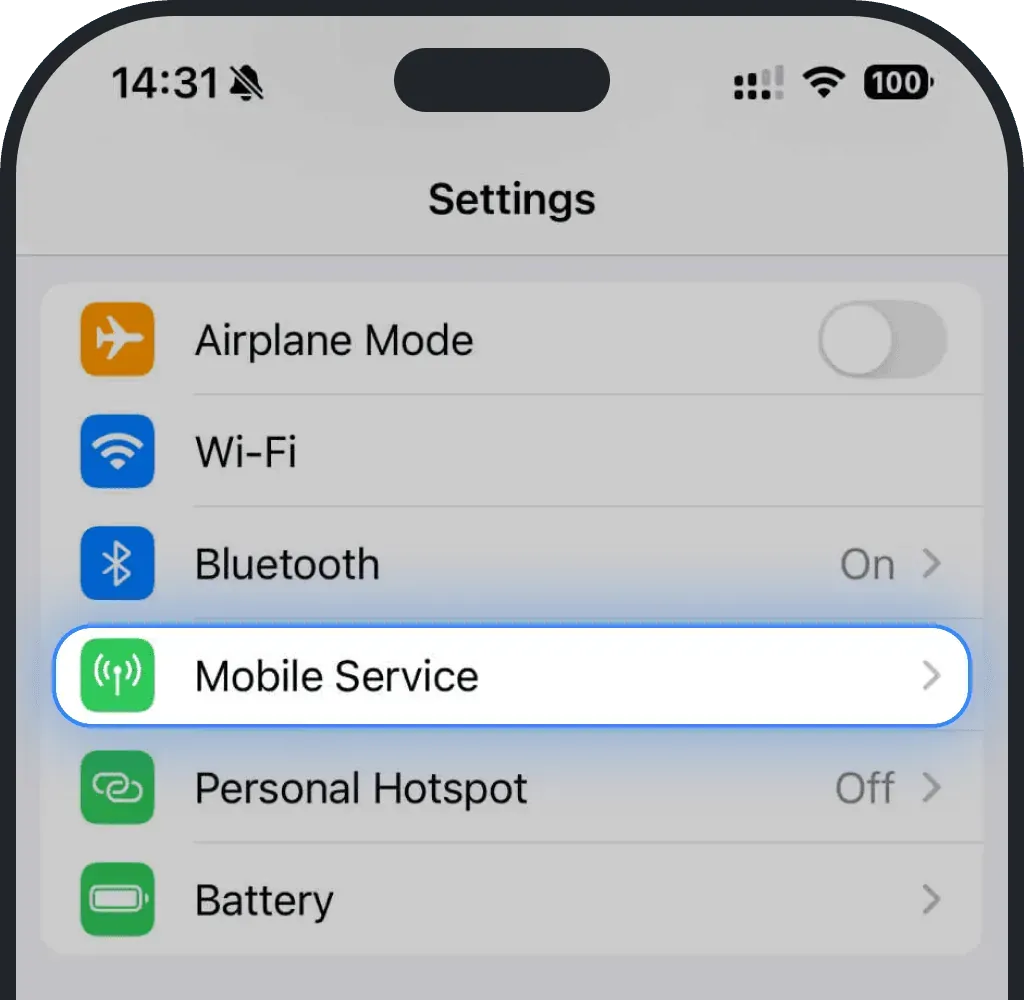
Tap Mobile Service or Cellular
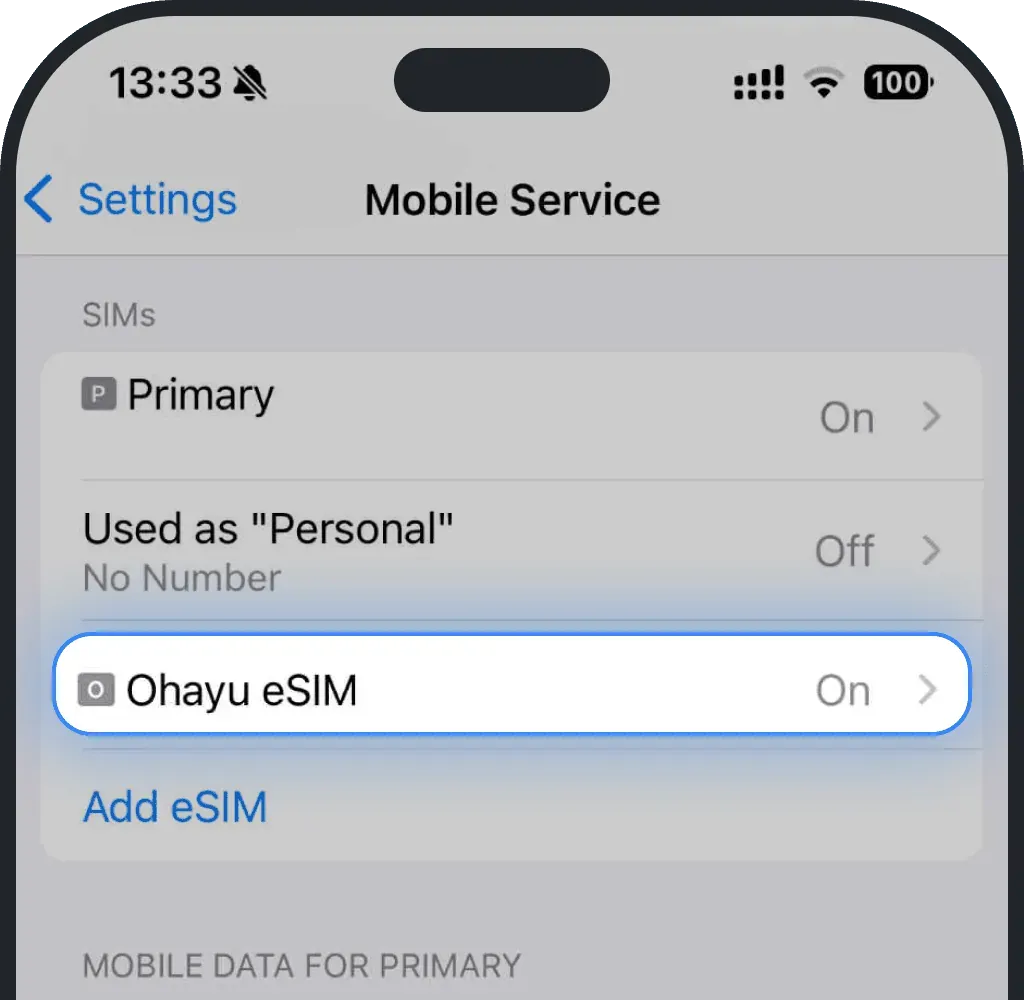
Select the eSIM you want to delete
Click “Delete eSIM”
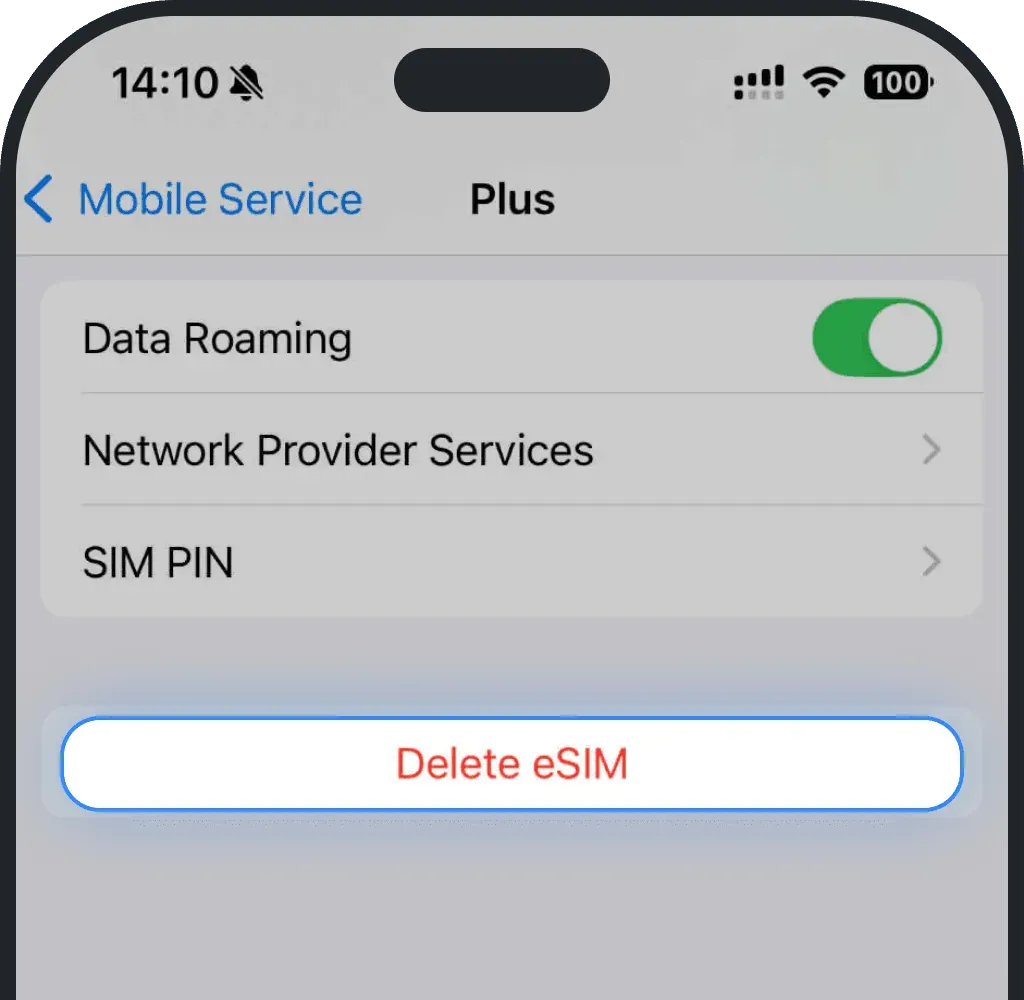
- Confirm the deletion
Android
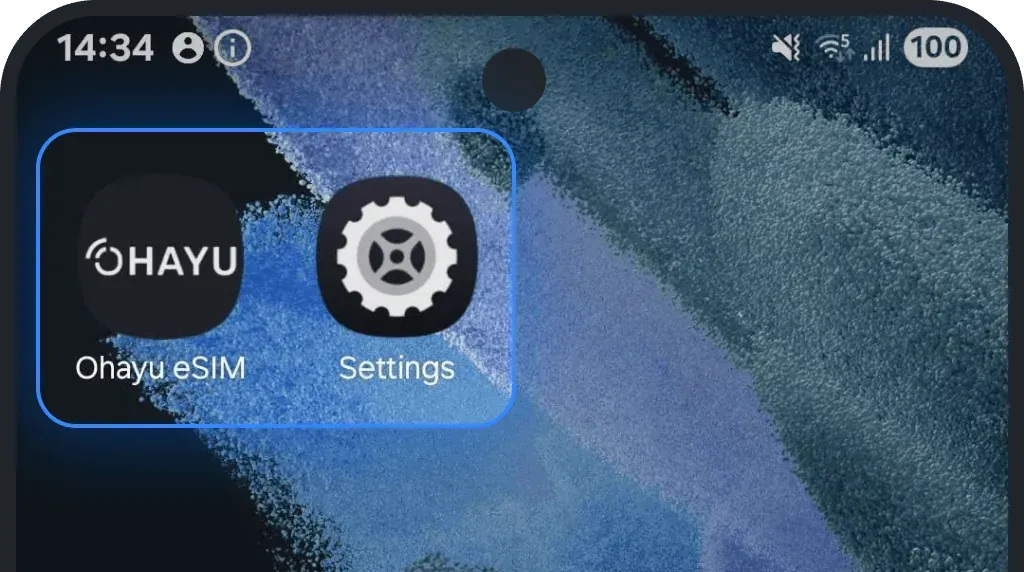
Go to Settings
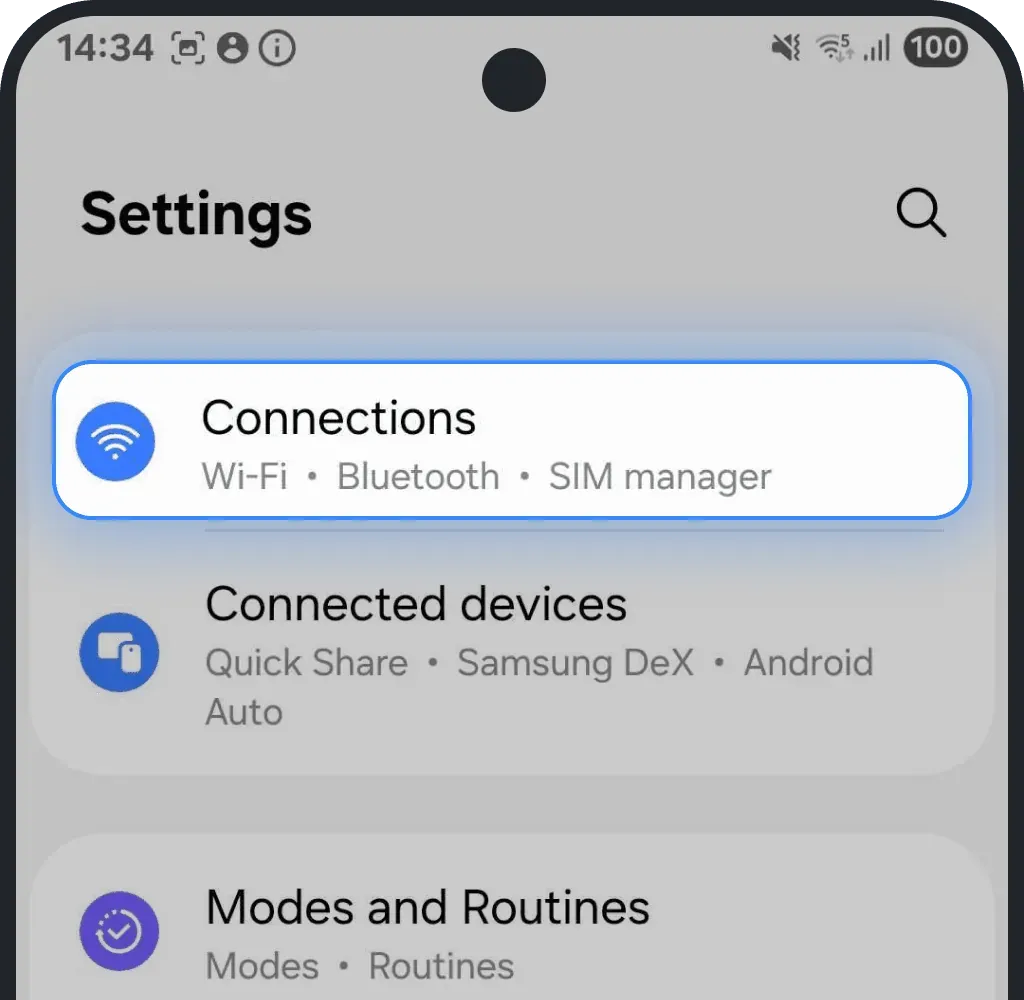
Tap Connections
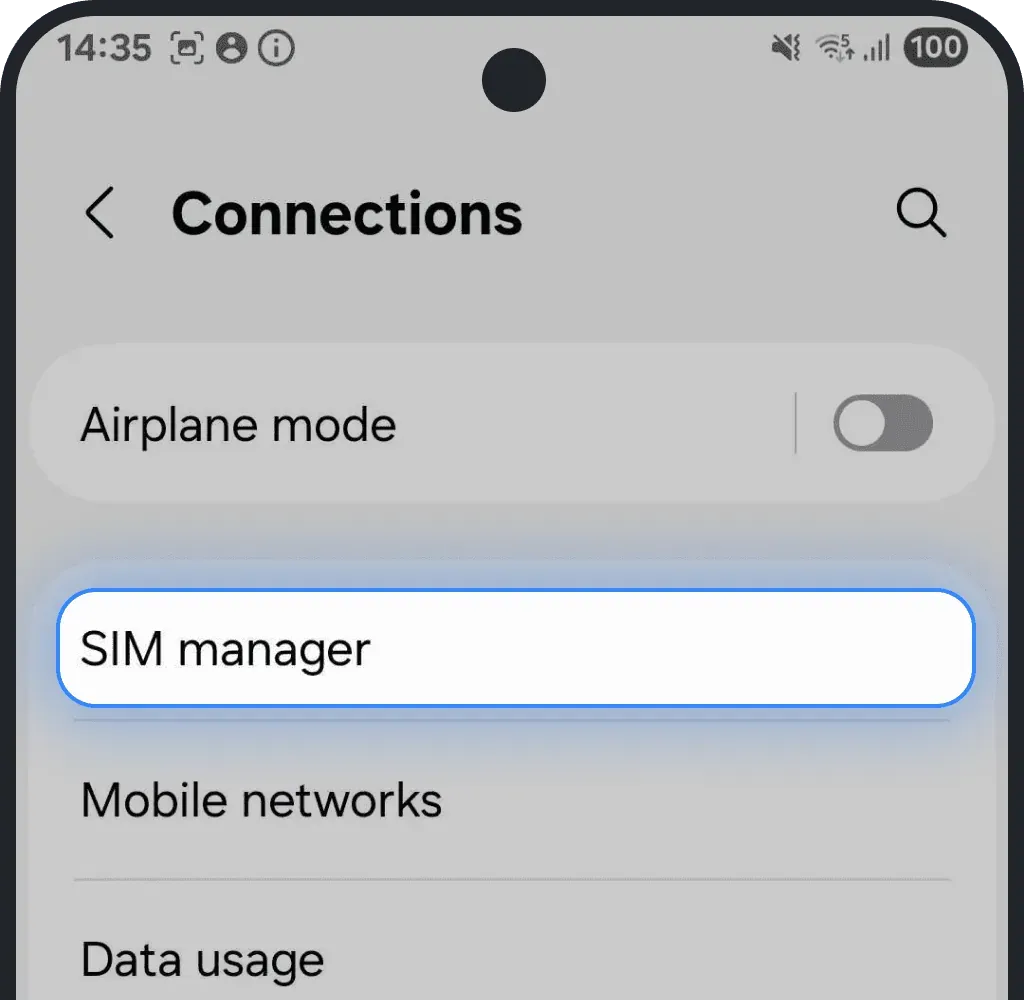
Tap SIM manager
Select the eSIM you want to delete
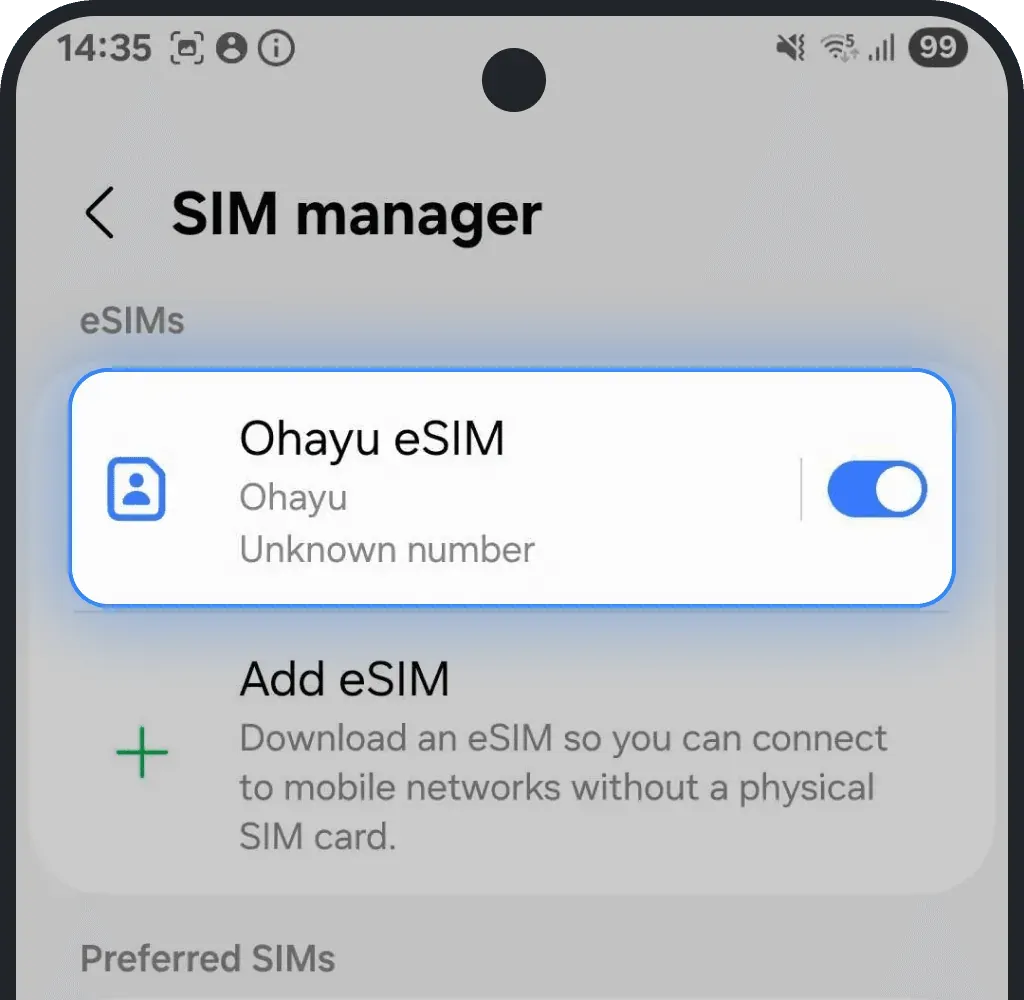
Click “Remove”
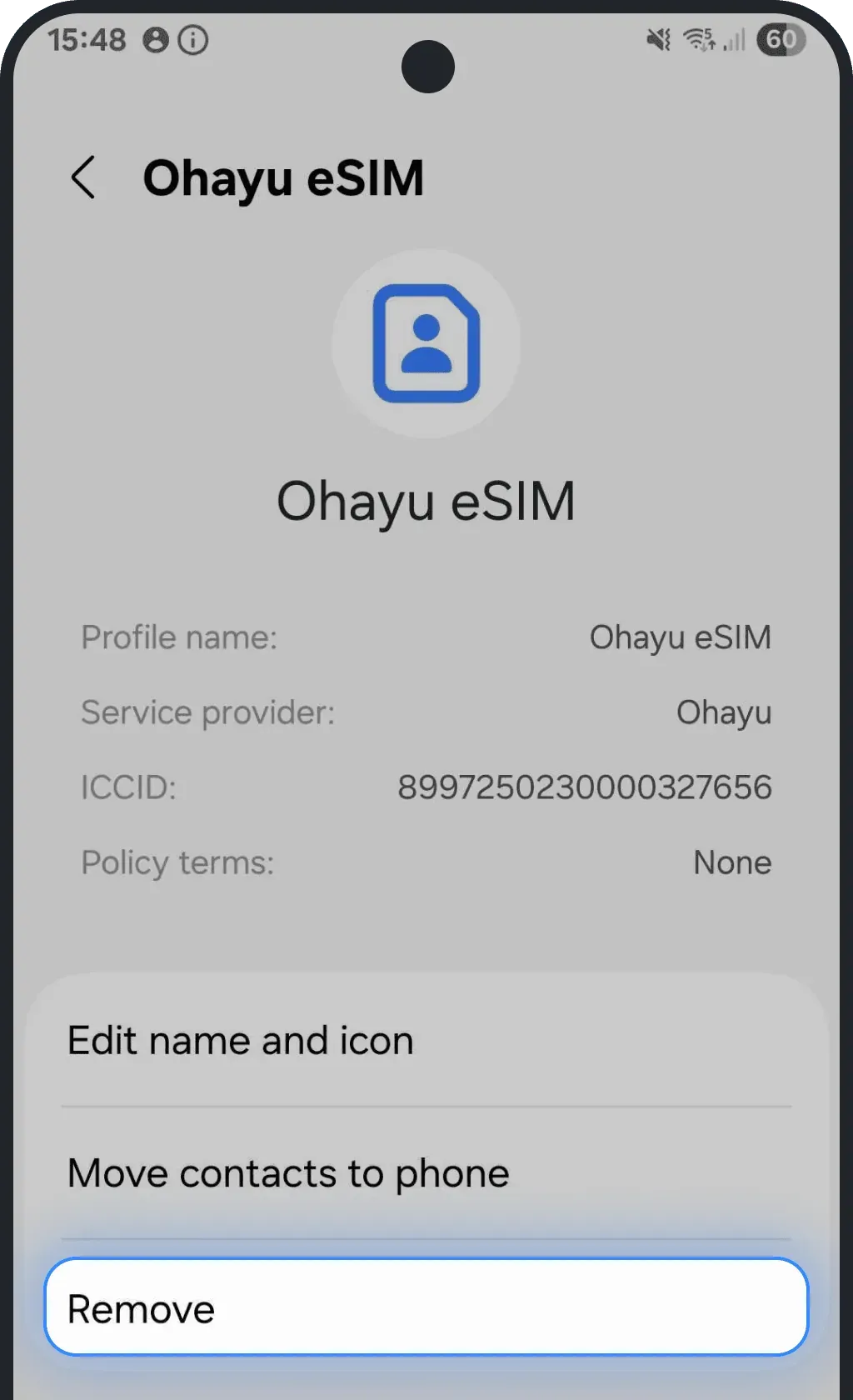
- Confirm the deletion
Was this article helpful?
Your feedback helps us improve our FAQ