How do I top-up my eSIM?
What is a top-up?
A top-up means buying more data for your existing eSIM. You keep the same QR code, same installation, and everything works like before - just with more data added.
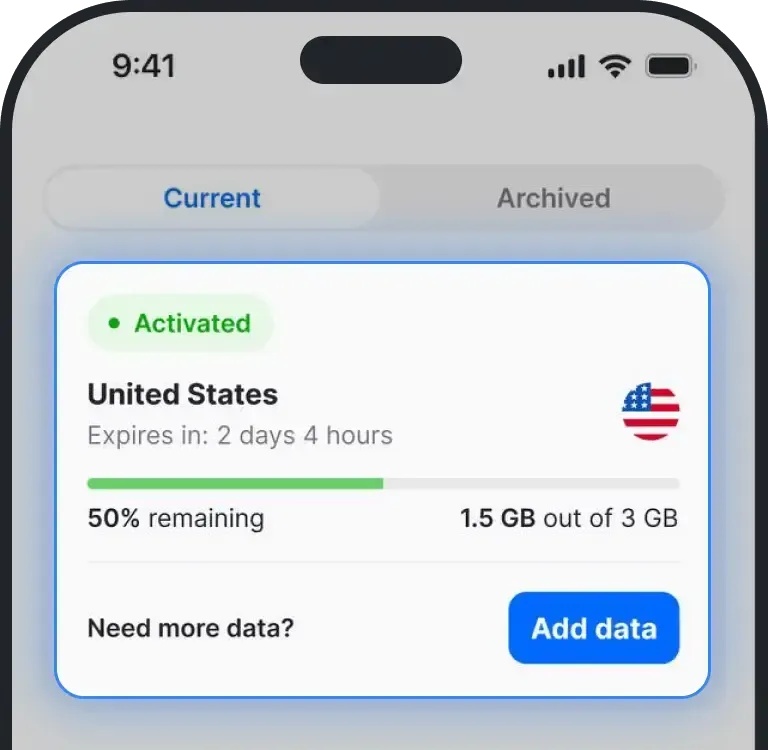
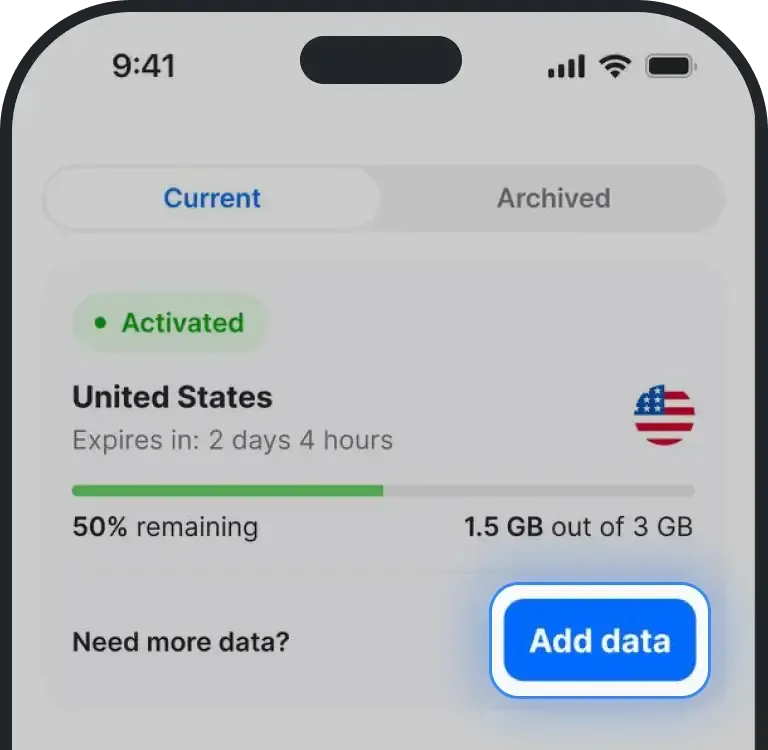
Most country plans support top-ups. On Global plans it depends which one you have. The 10 GB Global plan tops up with another 10 GB, and that data is yours for the rest of the billing month. The Unlimited Global plan doesn't need topping up. Unlimited country plans work differently: instead of adding data you add days, using Extend validity. If your eSIM supports it, you’ll see the “Add Data” button next to it.
How to add more data
Go to the eSIM you would like to add data to
Tap Add data
- You’ll see a list of available data packages
Select the amount you want and continue to payment
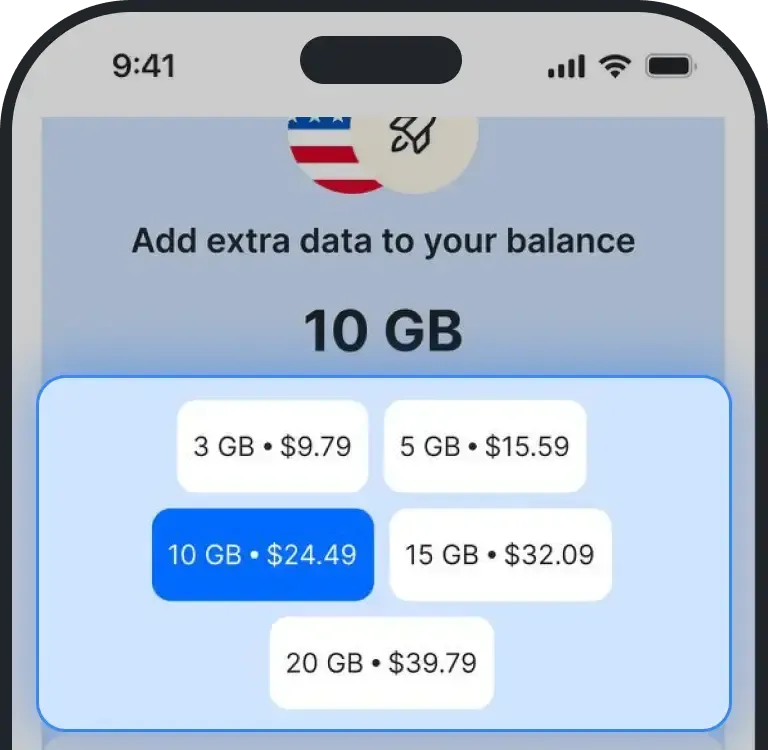
- Once payment is complete, your eSIM will be updated with more data
Was this article helpful?
Your feedback helps us improve our FAQ